
My RadiOS SwiftUI APP Radio iOS, Swift Radio (Single Station)
Price range: $ 45.00 through $ 379.00
My RadiOS: Premium Radio App for iOS 26, Radio Stream, Radio Swift, iOS APP Template. Launch your Radio App today with the most advanced SwiftUI template.
The ultimate solution for a professional station!

My RadiOS SwiftUI: The most modern radio template for iOS 26. Stream in crystal-clear quality (MP3, AAC, ALAC) with full support for IceCast and Shoutcast. An elegant interface featuring real-time metadata and seamless background playback. Launch your own Radio App today with the SwiftUI gold standard!
My RadiOS SwiftUI app supports the following audio formats and streaming capabilities:
Support for MP3 streams and IceCast / Shoutcast server URLs.
✅ Audio Formats:
- MP3 (MPEG-1/2 Audio Layer III)
- AAC (Advanced Audio Coding)
- AAC-LC (Low Complexity)
- HE-AAC (High-Efficiency)
- ALAC (Apple Lossless Audio Codec)
Streaming Protocols:
- HLS (HTTP Live Streaming)
- HTTP Direct Streaming
- Live Audio Broadcasting
Metadata Support:
- ID3 tags
- iTunes metadata integration.
- Real-time stream information.
✅ Launch Screen:
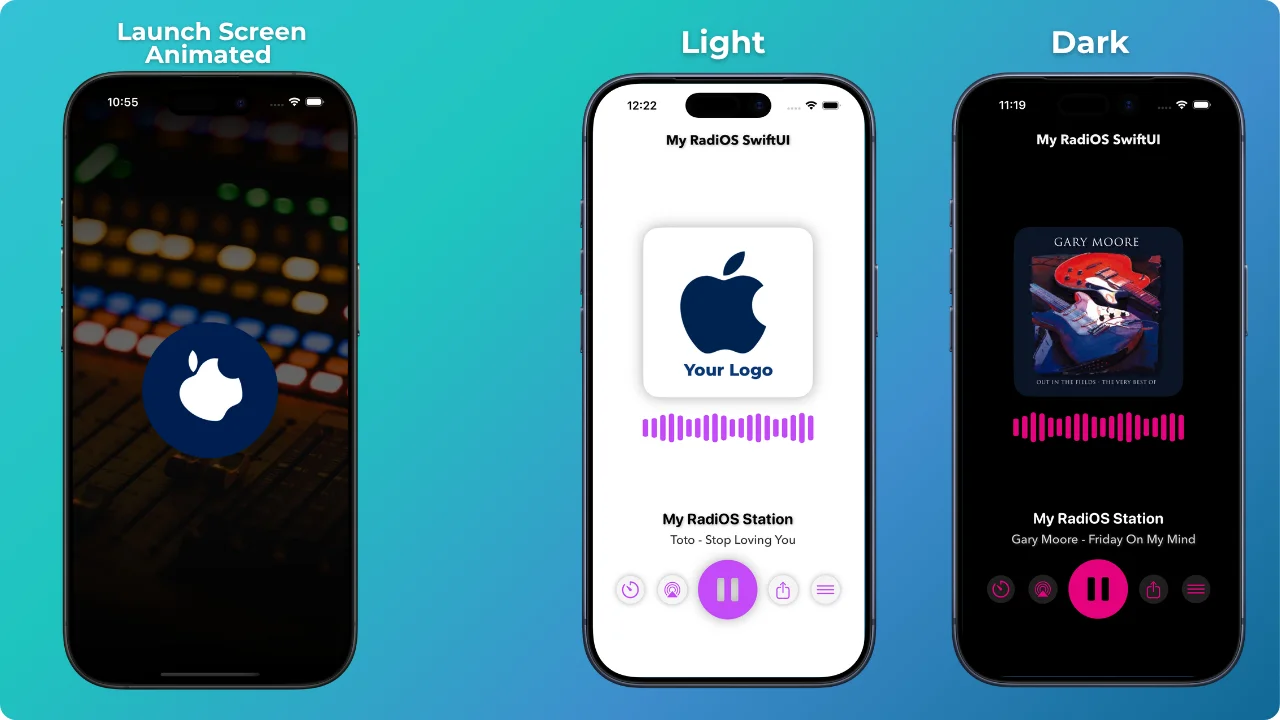
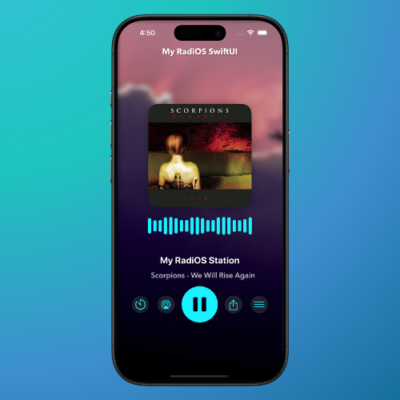
Animated Launch Screen, where a central image rotates over a customizable background in the project.
✅ Home Screen:
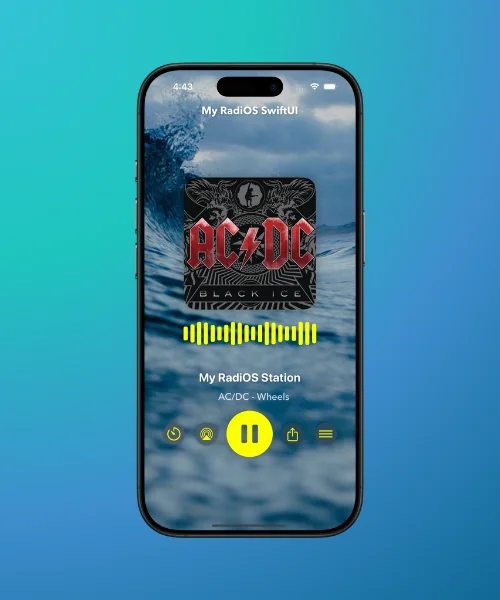
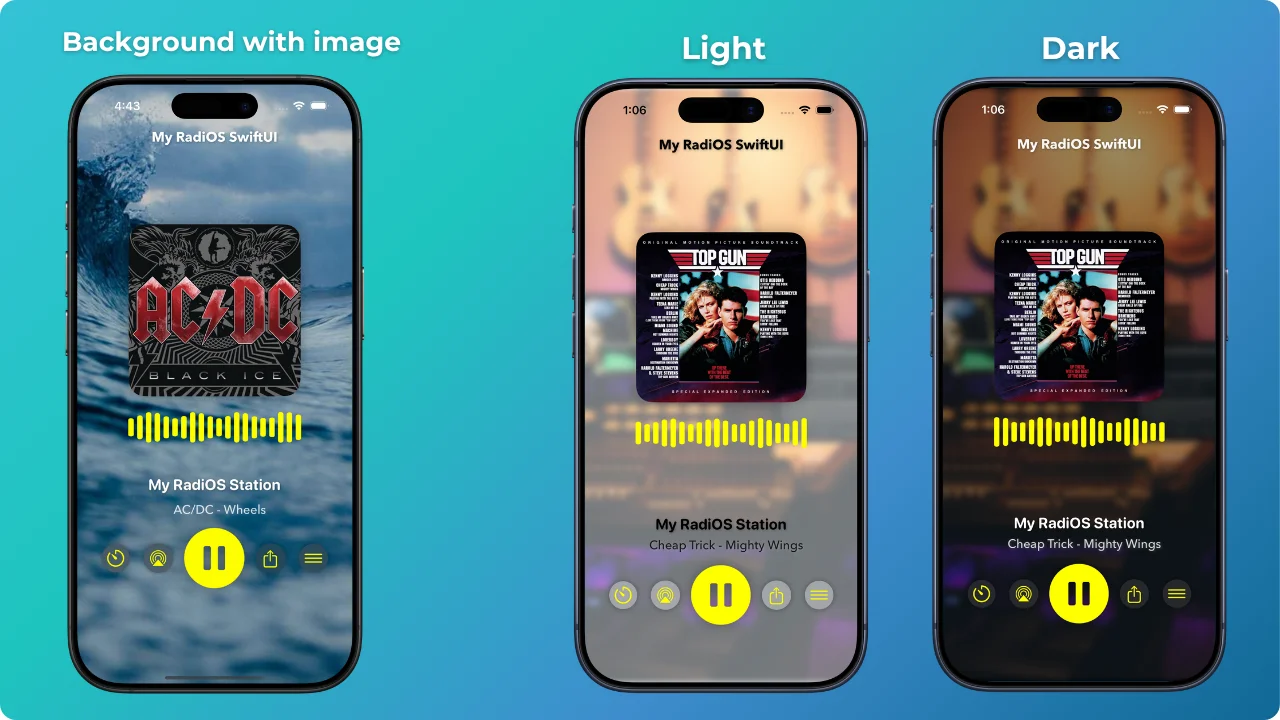
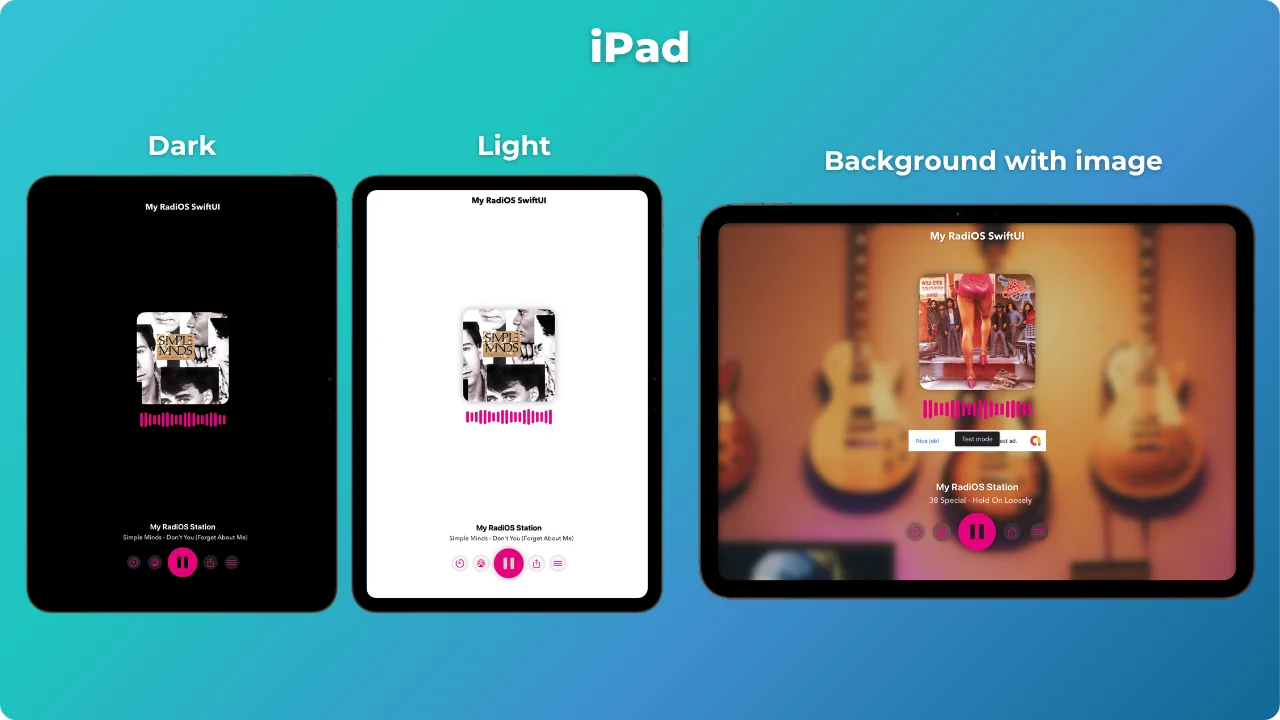
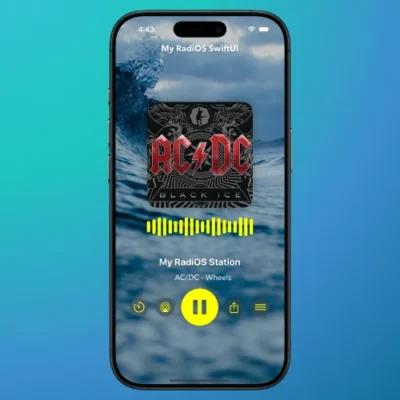
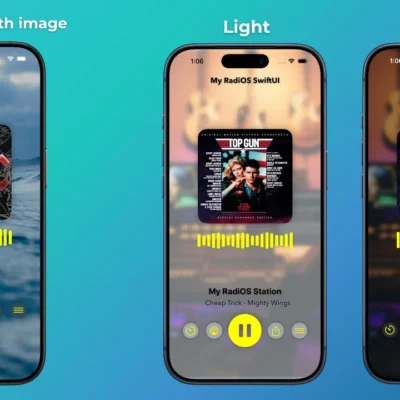
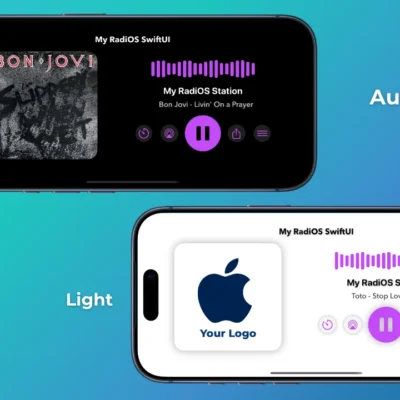
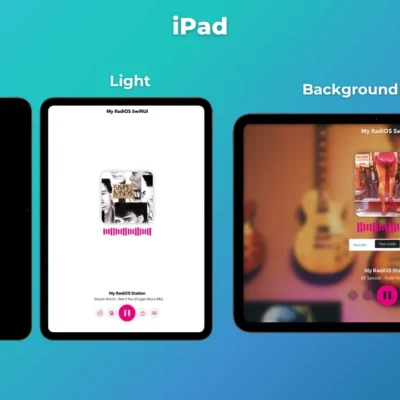
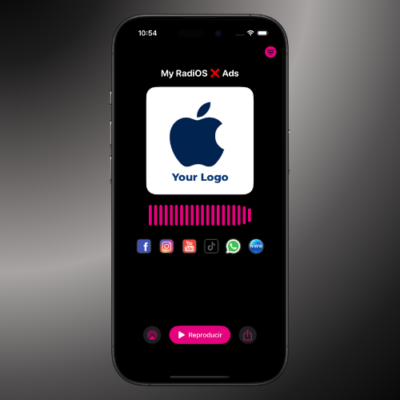
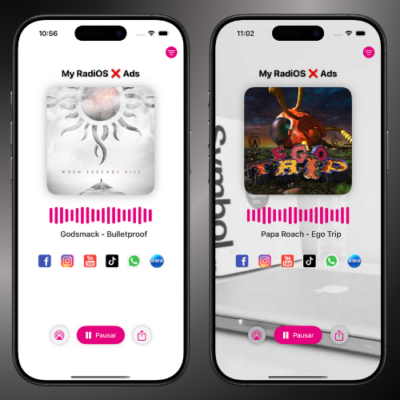
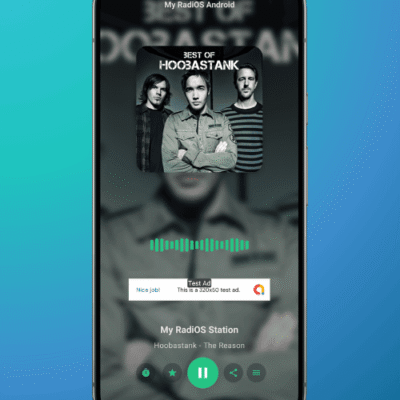
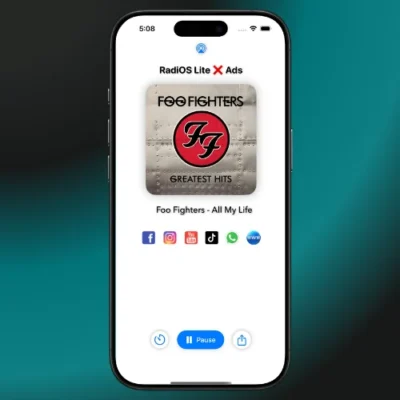
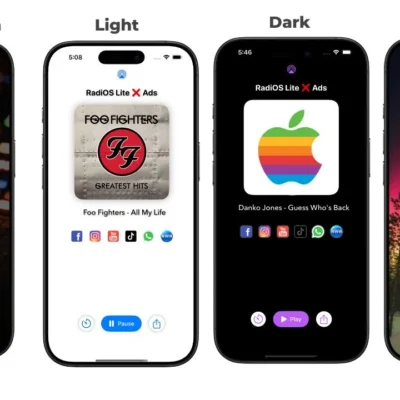
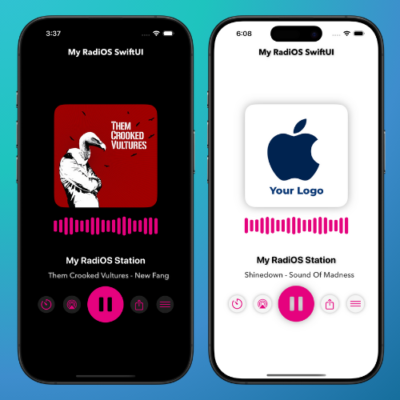
An elegant and minimalist interface that highlights the album cover, dynamic animations, and intuitive controls for a seamless streaming experience. Your app will always look amazing thanks to system theme integration. Whether in light or dark mode, the interface adjusts automatically to provide a seamless visual experience.
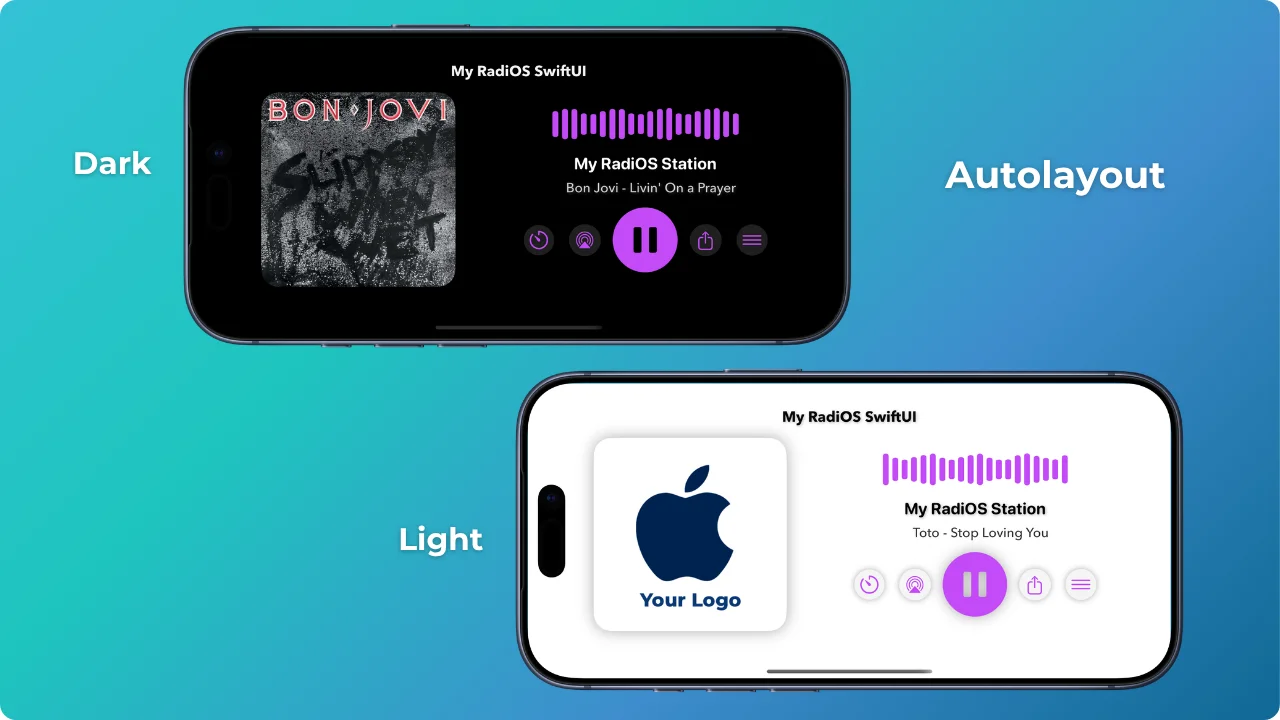
- Autolayout: Adaptive interface allows the layout to look beautiful and perfectly adjusted in both portrait and landscape orientation. Enjoy a smooth visual experience no matter how you hold your device!
✅ Advanced Customization:
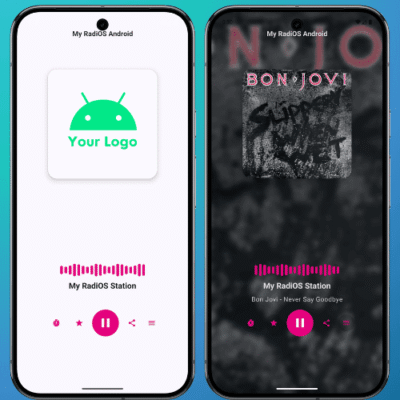
- Dynamic Background: Use a custom image or let the app automatically adjust the background based on the device theme (light or dark).
- Full Control via JSON: Modify the design without updating the app.Customize remotely:
– Radio URL, the background image.
– The colors of the main buttons: Sleep Timer, AirPlay, Play/Pause, Share, Menu, and its options.
Can I use an image (customized by me) as Cover instead of the artist (metadata)❓
✅ Of course you can. Only if there is no metadata for the radio station (streaming), you can add an image, the station name, the artist, and the song, which will be displayed on the main cover and reflected in your central control.
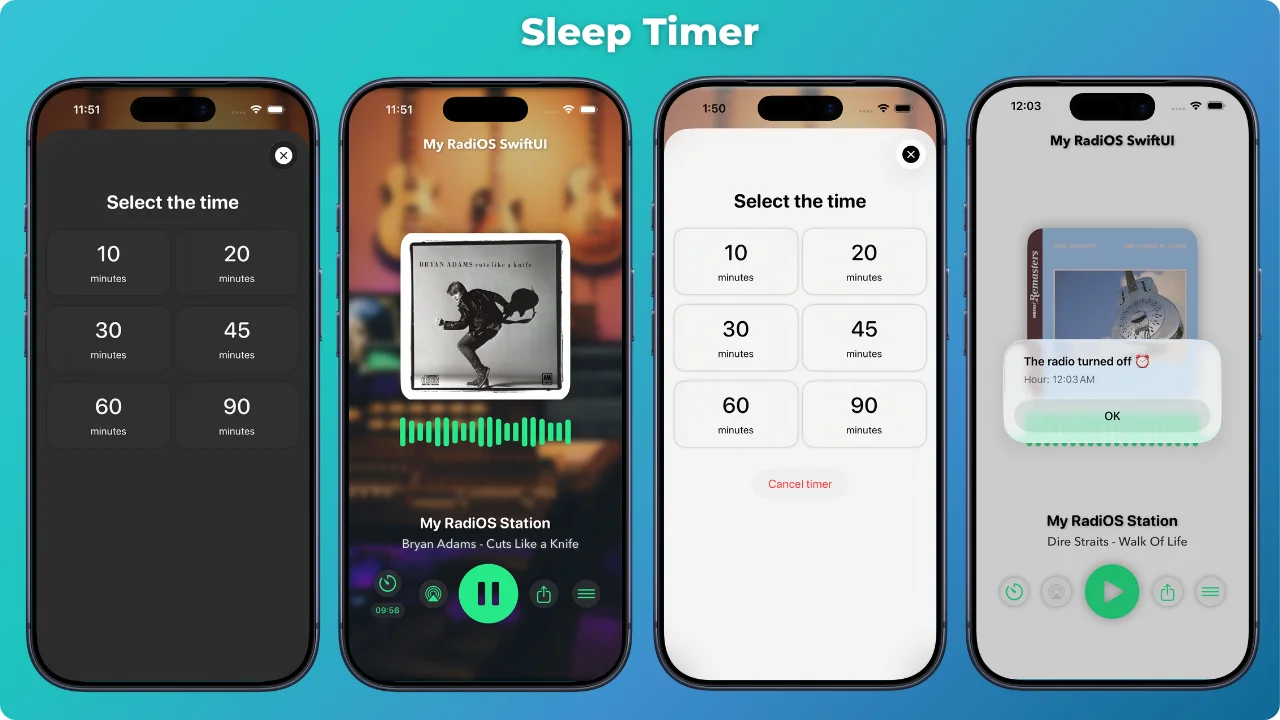
✅ Sleep Timer:
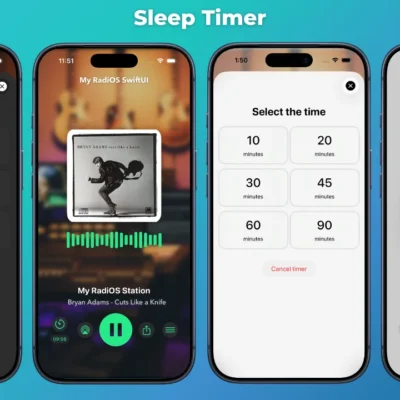
- Choose between 10, 20, 30, 45, 60, or 90 minutes, keep enjoying, and let the app turn off automatically.
- The countdown is displayed on-screen, and when the time is up, you’ll receive an alert with the exact shutdown time.
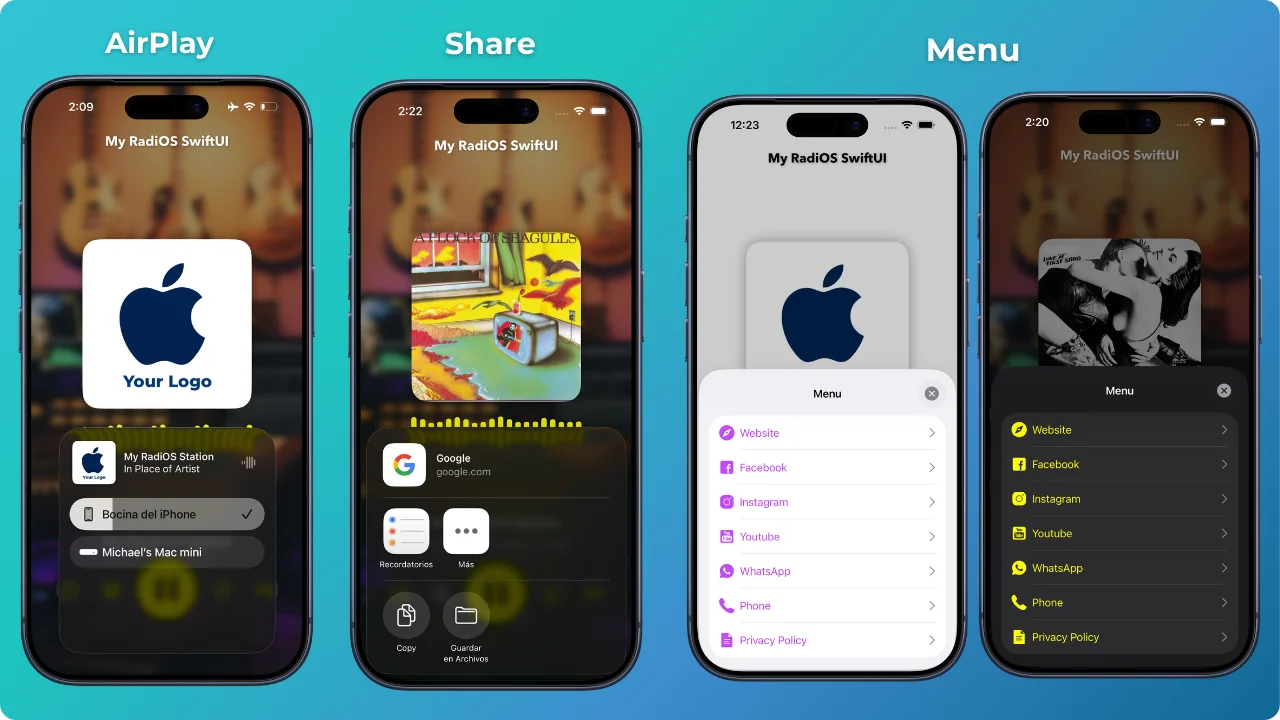
✅ AirPlay:
AirPlay on iOS allows streaming audio from our My RadiOS app to other compatible devices, such as:
- AirPlay speakers (HomePod, Sonos, Bose, etc.)
- Apple TV
- Devices with AirPlay on the same WiFi network
✅ Share:
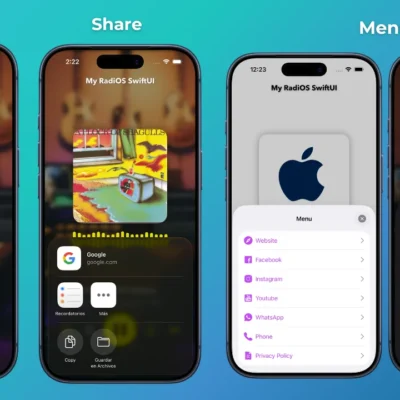
Share with your friends. Share your radio station or direct link to your app on the App Store with your friends through social media, SMS, or email.
✅ Menu Sheet:
The content of the sheet menu (Links (outside the app), Social Media, Phone) can be configured both locally and remotely from the JSON file.
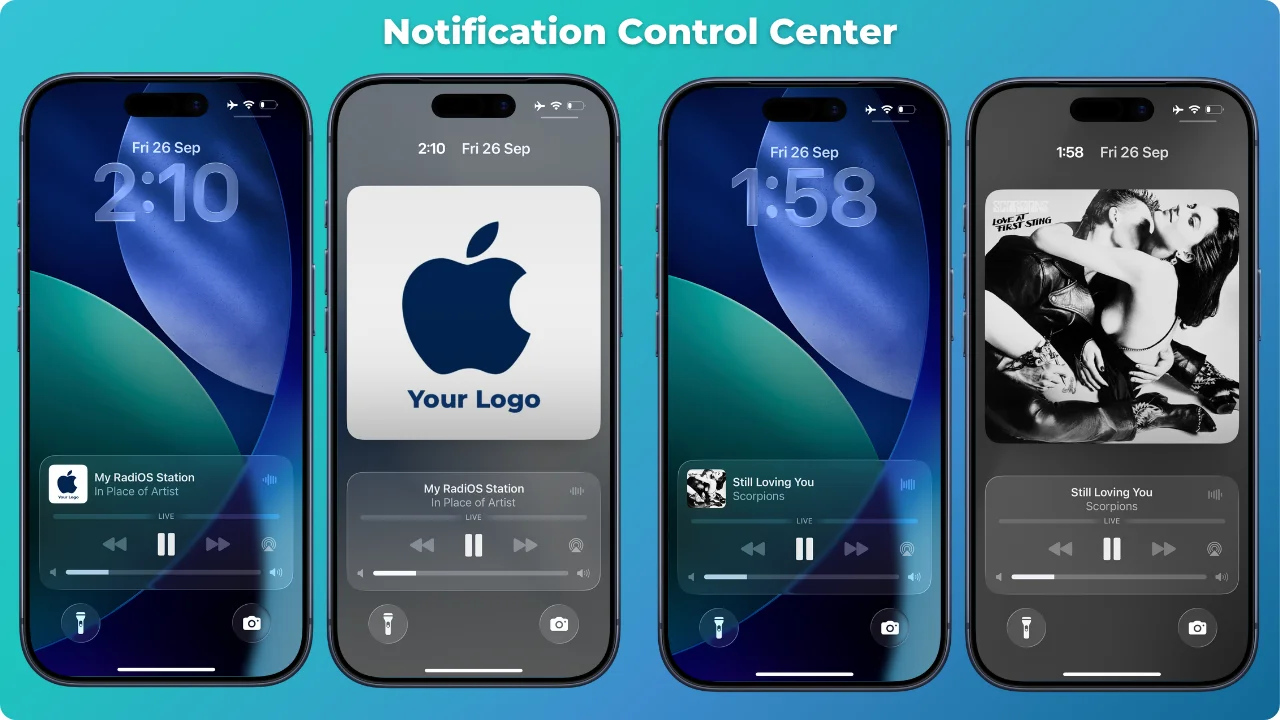
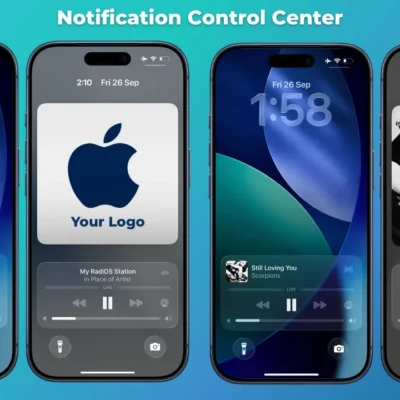
✅ Notification Control Center:
Integration with Now Playing Info: control playback from the lock screen and Control Center.
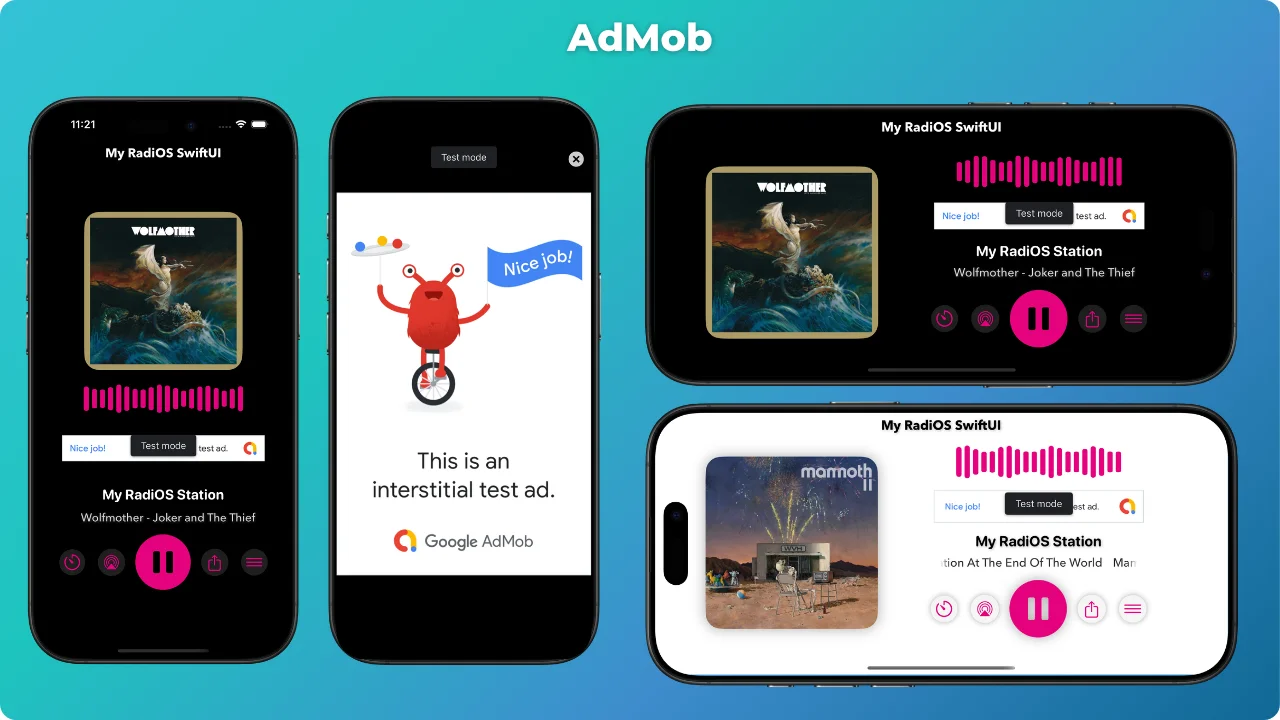
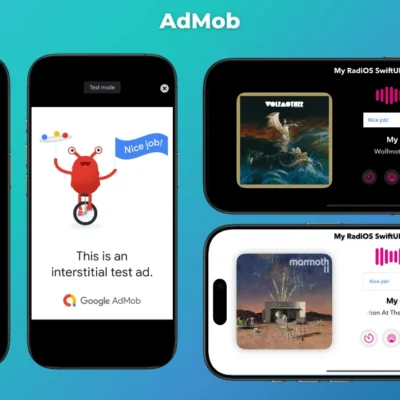
✅ AdMob:
- Banner Ad.
- Interstitial Ad: The Interstitial is triggered with the menu sheet options (the counter is editable in the project).
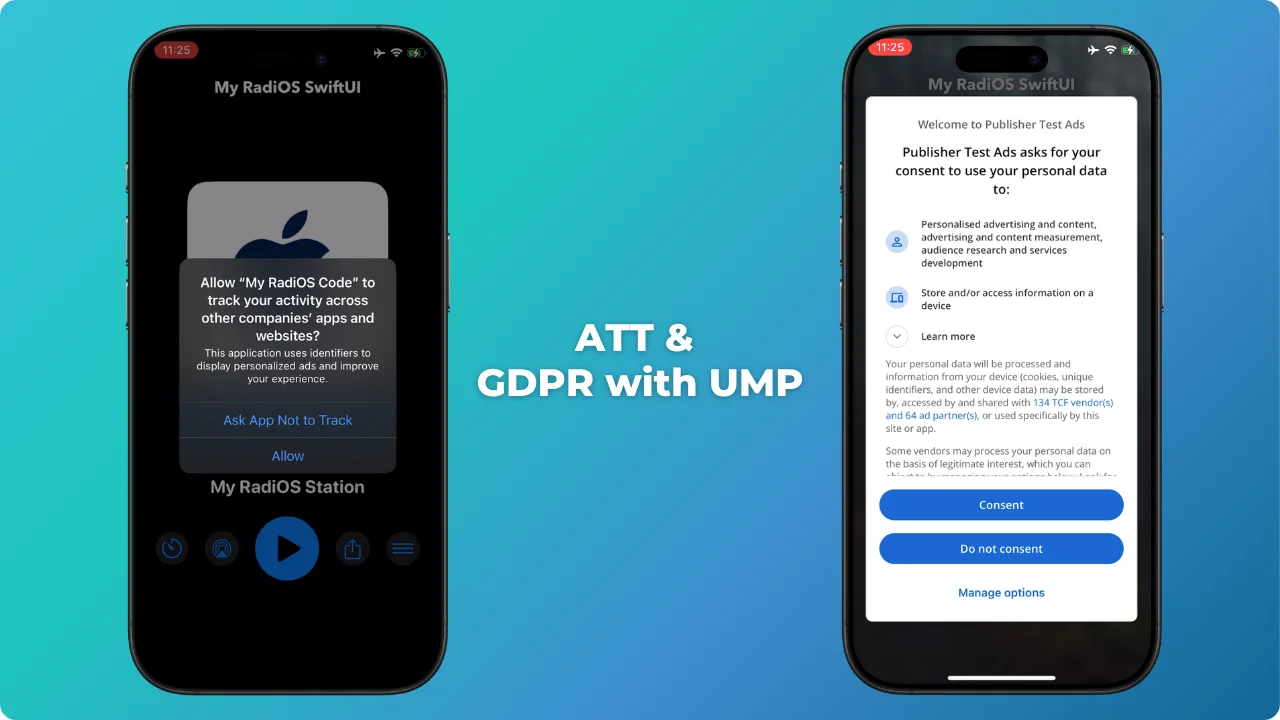
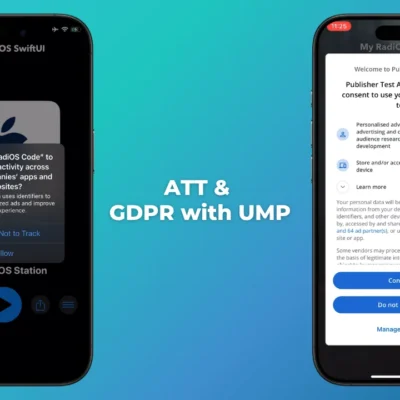
✅ ATT & GDPR with UMP:
“Complies with Apple and Google privacy regulations”
- Implementation of ATT (App Tracking Transparency) on iOS.
- Consent management with UMP (User Messaging Platform) from AdMob.
✅ Development Features:
- iOS 26, 18, 17, 16, and iOS 15 Supports.
- iPhone and iPad.
- Autolayout.
- Xcode 26+ Support.
- macOS Tahoe 26+
- Fully step by step documentation.
- Native and Clean code (easy to customize).
- 100% Ready to style and publish on the AppStore.
- Developed by SwiftUI and Swift 5.9
- Beautiful and professional looking design.
✅ Changelog:
This section tracks updates focused on maintaining a stable and reliable codebase.
Built with SwiftUI, the app follows a clean and robust architecture for long-term performance.
Updates are made when needed to ensure compatibility with Apple requirements and smooth operation.
Version: 1.2 | January 23, 2026
- There are no changes in the code, however our application still works also with the latest iOS version.
- Compatibility with the recent update has been verified.
- Support iOS 26.2 (from iOS 15.0)
- Xcode 26.2
- macOS Tahoe 26.2
Version: 1.2 | December 1, 2025
- There are no changes in the code, however our application still works also with the latest iOS version.
- Compatibility with the recent update has been verified.
- Support iOS 26.1 (from iOS 15.0)
- Xcode 26.1.1
- macOS Tahoe 26.1
Version: 1.2 | September 30, 2025
- Xcode 26.0
- macOS Tahoe 26.0
- Support iOS 26+ (from iOS 15.0)
- We have added the option to update from Remote JSON.
     - App Name.
     - Blur Background.
- Details matter to us, so we make small changes to keep the design and appearance consistently compatible.
Version: 1.1 | August 3, 2025
- There are no changes in the code, however our application still works also with the latest iOS version.
- Compatibility with the recent update has been verified.
- Support iOS 18.6 (from iOS 15.0)
- Xcode 16.4
- Mac OS Sequoia 15.5
Version: 1.1 | June 9, 2025
- There are no changes in the code, however our application still works also with the latest iOS version.
- Compatibility with the recent update has been verified.
- Support iOS 18.5 (from iOS 15.0)
- Xcode 16.4
- Mac OS Sequoia 15.5
Version: 1.1 | April 8, 2025
- We added autoplay when opening the app.
- Only for the version without Ads.

  We have shortened the changes in the documentation steps:
    - 6. Changing AdMob Unit IDs
    - 10. App without AdMob
Version: 1.0 | April 2, 2025
- No changes in the code, but the app continues to work on the latest iOS version.
- Compatibility with the recent update has been verified.
- Support iOS 18.4
- Xcode 16.3
- Mac OS Sequoia 15.4
Version: 1.0 | March 25, 2025
Initial release
| 📱YOUR PLAN: | 🔘 Starter Pack (1 App), 🔘 Duo Deal (2 Apps), 🔘 Pro Bundle (6 Apps), 🔘 Infinity Access |
|---|
Only logged in customers who have purchased this product may leave a review.
License Terms & Usage
Each purchase grants a limited license based on the selected plan:
- Starter Pack: 1 app only
- Duo Deal: Up to 2 apps
- Pro Bundle: Up to 6 apps
- Infinity Access: Unlimited apps for personal or business use only
Reselling, redistributing, or sharing the source code is strictly prohibited.
Infinity Access allows unlimited app creation for personal or internal business use only. You may not resell, sublicense, distribute, or make the source code available to third parties, whether for free or paid.
Any misuse or violation of these terms may result in license termination without refund.
You may also like…
Related products
Reviews
There are no reviews yet.